Dark Mode and Images
Dark mode
The theme adapts to the user’s system preference automatically — no toggle, no JavaScript. If the system is set to dark, the page is dark. If it’s light, it stays light.
Photographs
JPEG, AVIF, and WebP images are not inverted in dark mode. They appear exactly as they would in light — colours and contrast stay true.
 Toggle your system dark mode — this photo is unchanged
Graphics
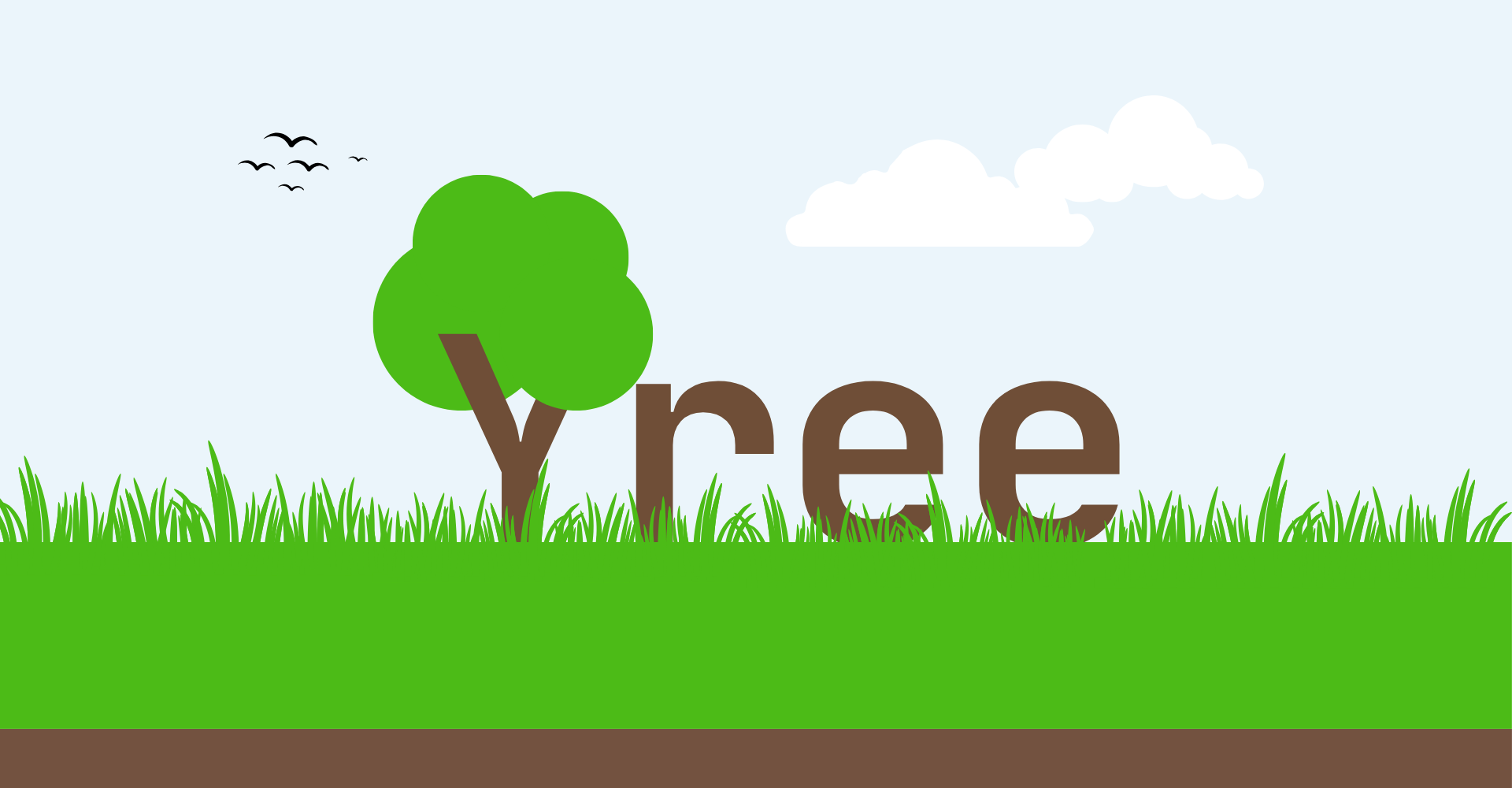
SVG and PNG images invert with the page. A black icon on white becomes a white icon on black. Logos, diagrams, and illustrations on transparent backgrounds flip correctly.
This graphic inverts with the page
The rule
Use JPEG for photographs. Use SVG or PNG for graphics, logos, and diagrams. The format is the intent — no class needed.
Captions
An italicised line placed immediately after an image becomes a centred caption, as seen above.